Nano Banana 2 - Free AI Image Generator & Photo Editor
Use Nano Banana 2 to generate images with Text to Image and edit photos with Image to Image.
Result
Generated image will appear here
Enter a prompt to get started
Why Creators Choose Nano Banana 2
Nano Banana 2 combines speed, control, and visual quality so you can iterate faster and ship better images.
Fast creation speed
Generate and iterate quickly so you can move from idea to usable visuals in minutes.
Strong world understanding
Produces more grounded, coherent scenes with better context and fewer random details.
Better instruction following
Handles natural language edits more reliably when you specify what to keep and what to change.
Precise mood and lighting control
Switch day to night, adjust lighting style, and tune the vibe without rebuilding the whole image.
Camera angle and composition flexibility
Explore different viewpoints and framing to get the best layout for your use case.
Focus and subject emphasis
Adjust focus and clarity so the main subject stands out more naturally.
Style transfer from reference images
Apply texture, color, and aesthetic from a reference photo to your subject to match a desired look.
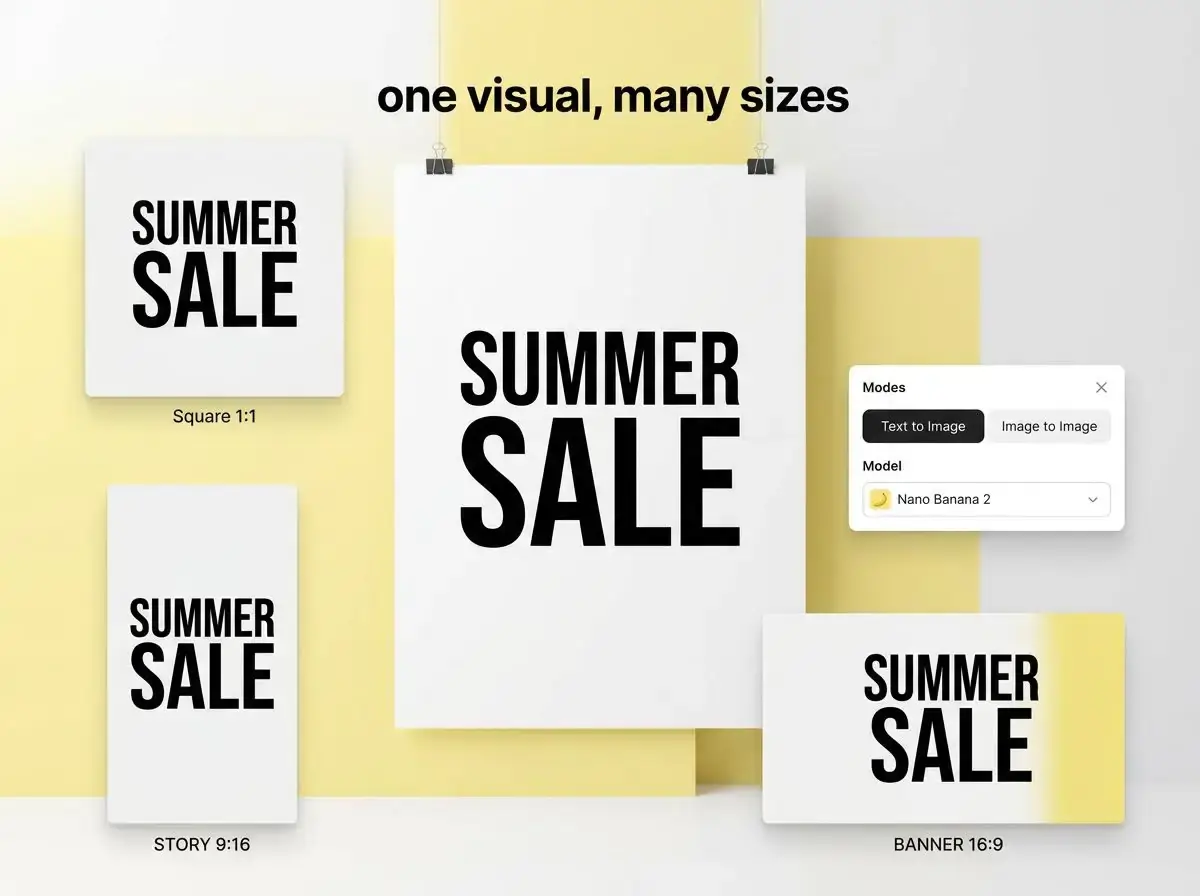
One visual, many sizes
Resize for common formats quickly while keeping key details, great for social, ads, and product pages.
Clearer text in images (multilingual)
Create posters, invites, comics, and logo-like visuals with more readable text in many languages.
How Nano Banana 2 Works
Generate polished photo edits in three straightforward steps.
Upload a Photo
Start with any clear source image in JPG, PNG, or WebP format.
Describe the Result
Write your desired look, mood, or scene changes and let Nano Banana 2 handle the transformation logic.
Generate and Download
Pick your best version, retry if needed, and export high-quality results immediately.
Nano Banana 2 FAQ
Common questions about using Nano Banana 2 for AI image editing.
Nano Banana 2 is a fast AI image generator and photo editor. You can create new visuals from a prompt or edit an uploaded photo to get a more controlled result.
Yes. Use Text to Image when you want to generate from scratch, and use Image to Image when you want to edit an existing photo with specific changes.
Upload your photo, then write a prompt that clearly says what to keep (the subject) and what to change (the new background). Adding "match lighting and shadows" usually makes the result look more natural.
Upload the image and describe the object you want removed. Ask to "fill naturally" and "preserve edges and texture" to reduce artifacts.
Use Image to Image and start your prompt with "keep face identity" or "preserve key facial features." Make one or two edits at a time for more stable results.
Yes. Put the exact text in quotes and request "readable typography" and "high contrast." Keeping the layout simple also improves text clarity.
Pick the format based on where you'll publish. Common ratios like 1:1, 4:3, 16:9, and 9:16 work well for most channels. Use higher resolution for ads, product pages, or print-like assets.
Generations and edits consume credits. If your account includes free credits, you can test real workflows before upgrading. Check the pricing page for current limits and refresh rules.